Open a model.
Drag in USDZ, USD, GLB, glTF, FBX, or OBJ. ModelUSD creates a local working copy and leaves the original untouched.
 ModelUSDModelUSD
A focused 3D utility for Mac
Open, resize, repair, texture, and export compact USDZ files in one focused Mac app.
Open. Size. Export.
Models often arrive at the wrong scale, on their side, missing textures, or carrying objects you do not need. ModelUSD brings the essential fixes into one quiet workspace.
Familiar measurements
See width, height, and depth in feet and inches, inches, centimeters, millimeters, or meters. Change one dimension and the entire model scales proportionally.
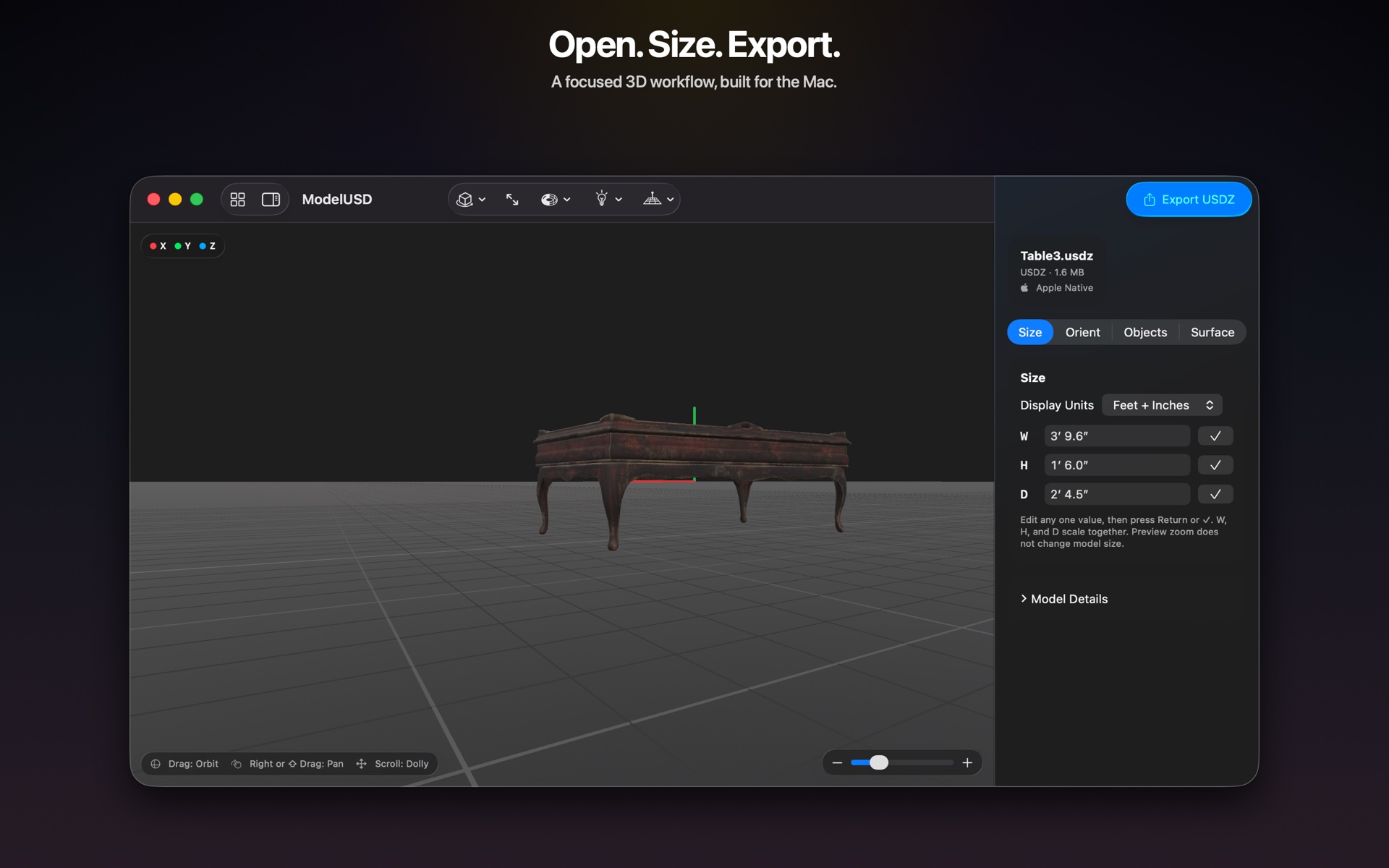
One focused workflow
Drag in USDZ, USD, GLB, glTF, FBX, or OBJ. ModelUSD creates a local working copy and leaves the original untouched.
Inspect dimensions, orientation, objects, materials, textures, geometry, and real-world scale.
Resize proportionally, place the model on the floor, replace missing textures, and remove parts you do not need.
Choose the balance between visual quality and file size, then export one clean, portable file.
Built for the Mac
ModelUSD processes working files locally and leaves the original model unchanged. Familiar menus, shortcuts, tooltips, and drag-and-drop keep the model—not the software—at the center of the workspace.